
AuraVisions: Visual Sessions for Your Practice
Explore practitioner-led sessions with Inneractive AuraCloud® 3D. Start with the guest experience, then ask which currently available configuration fits your setting.
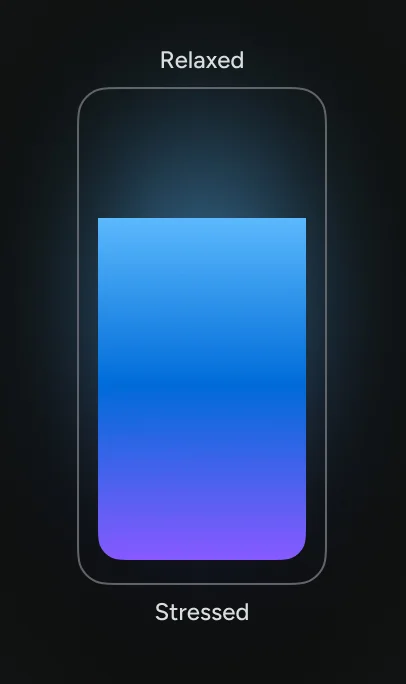
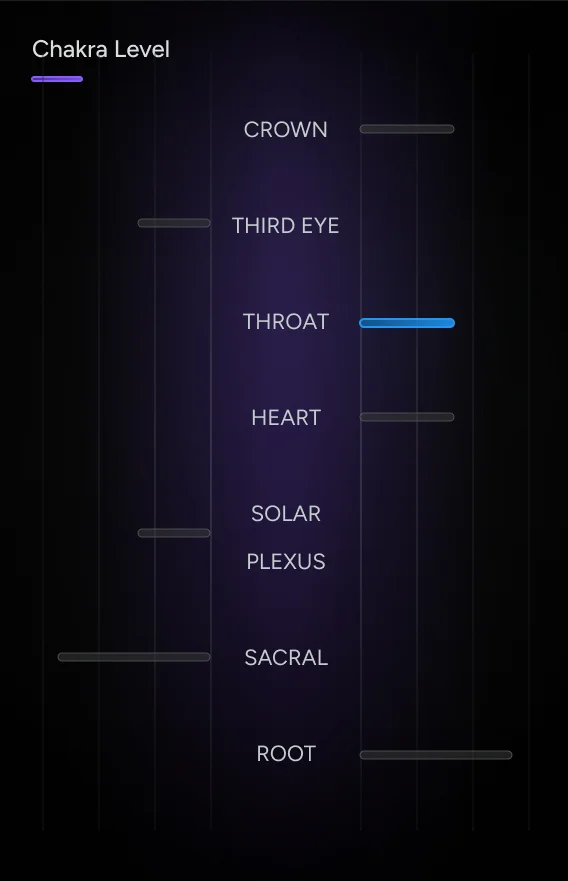
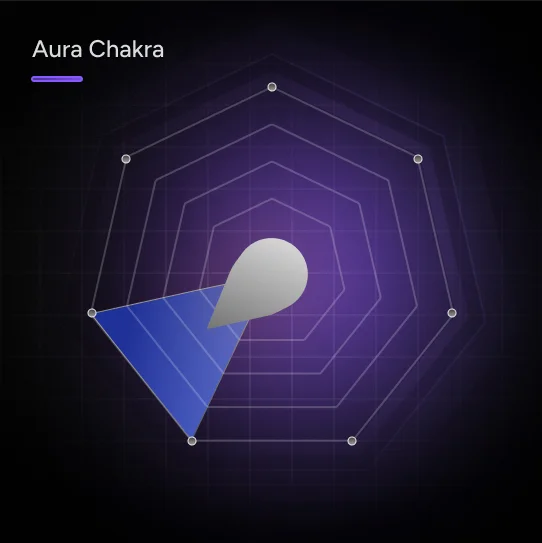

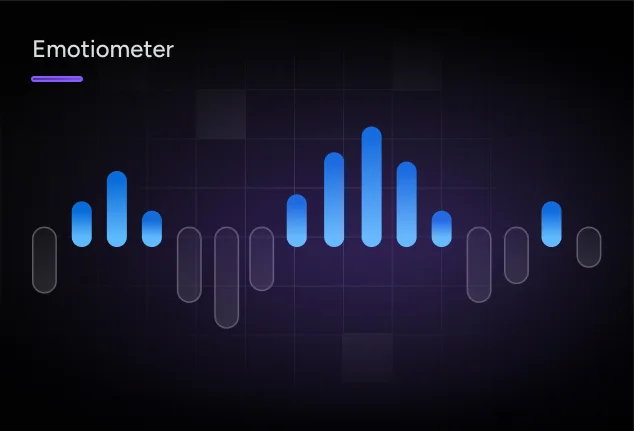
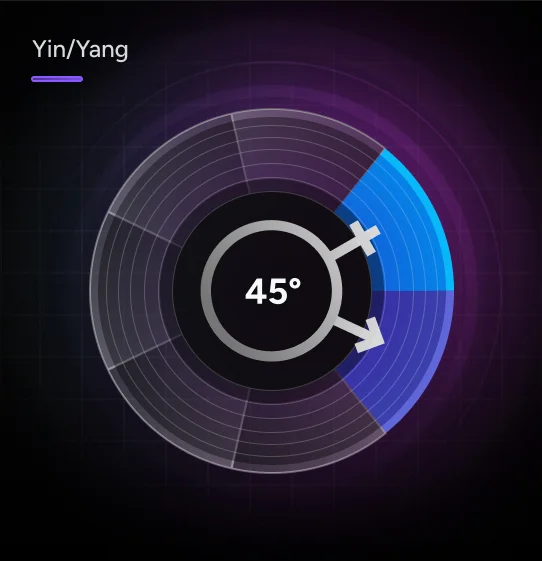
Bring the screen into the conversation. We explore how practitioners introduce aura visualization tools, guide a shared viewing and make space for each guest's response. A private appointment, a studio session and an event visit each call for a different pace.
A Clear Start, a Shared View, a Thoughtful Close
Use this planning outline alongside the instructions for your particular aura system. Features and outputs depend on the product and configuration.
Set Expectations
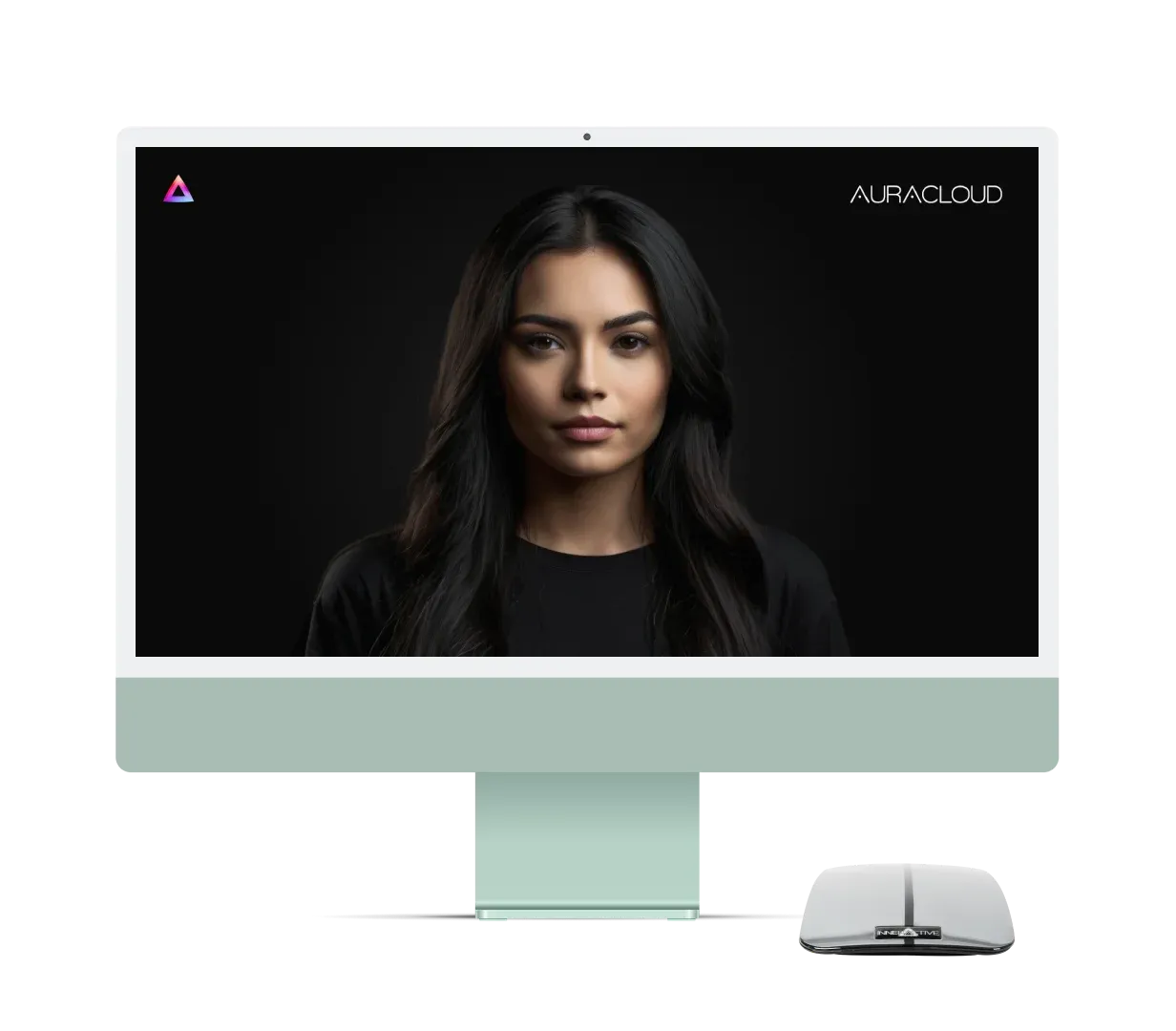
Computer not included.
Guide the Setup
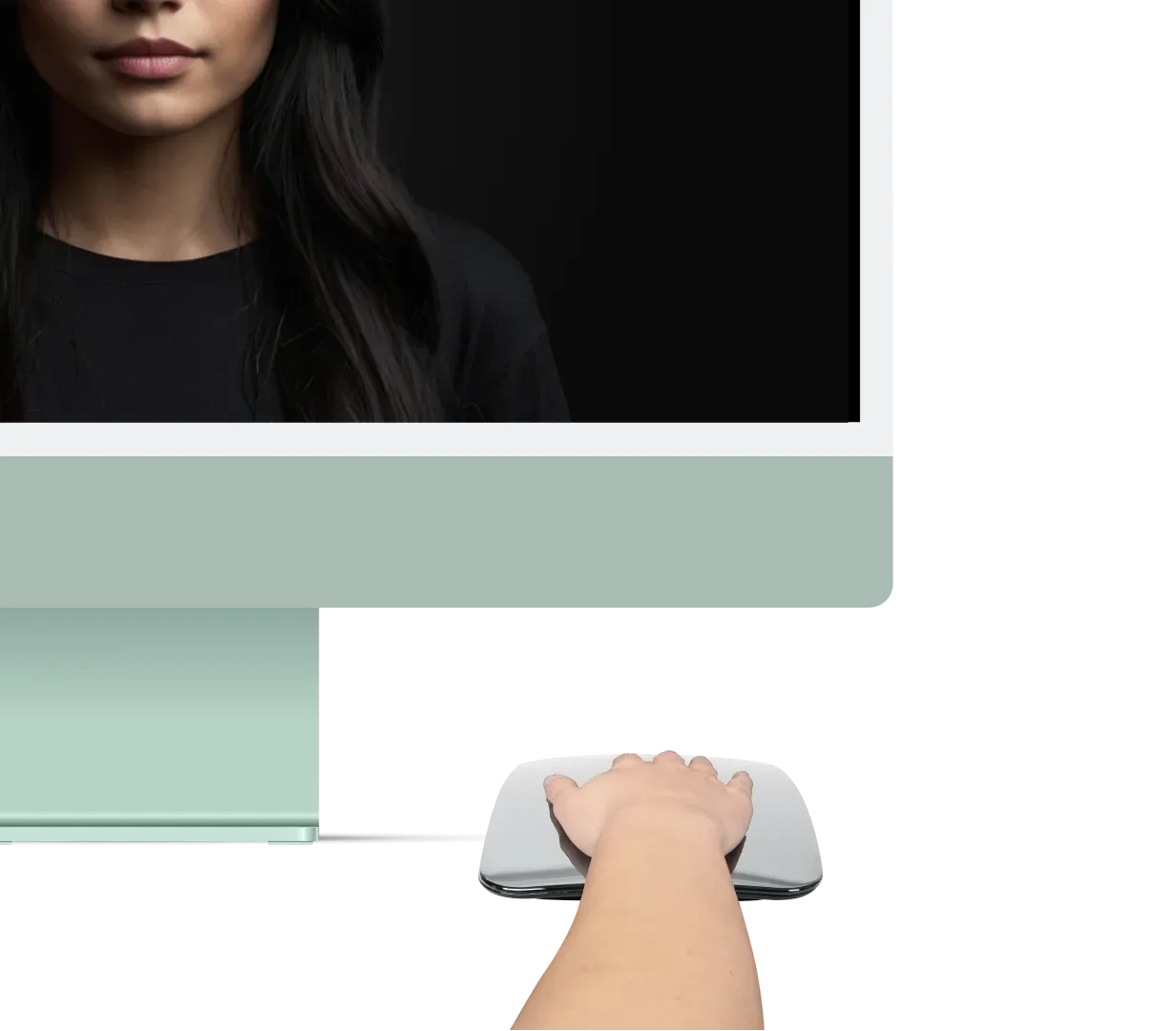
Computer not included.
Discuss the Display
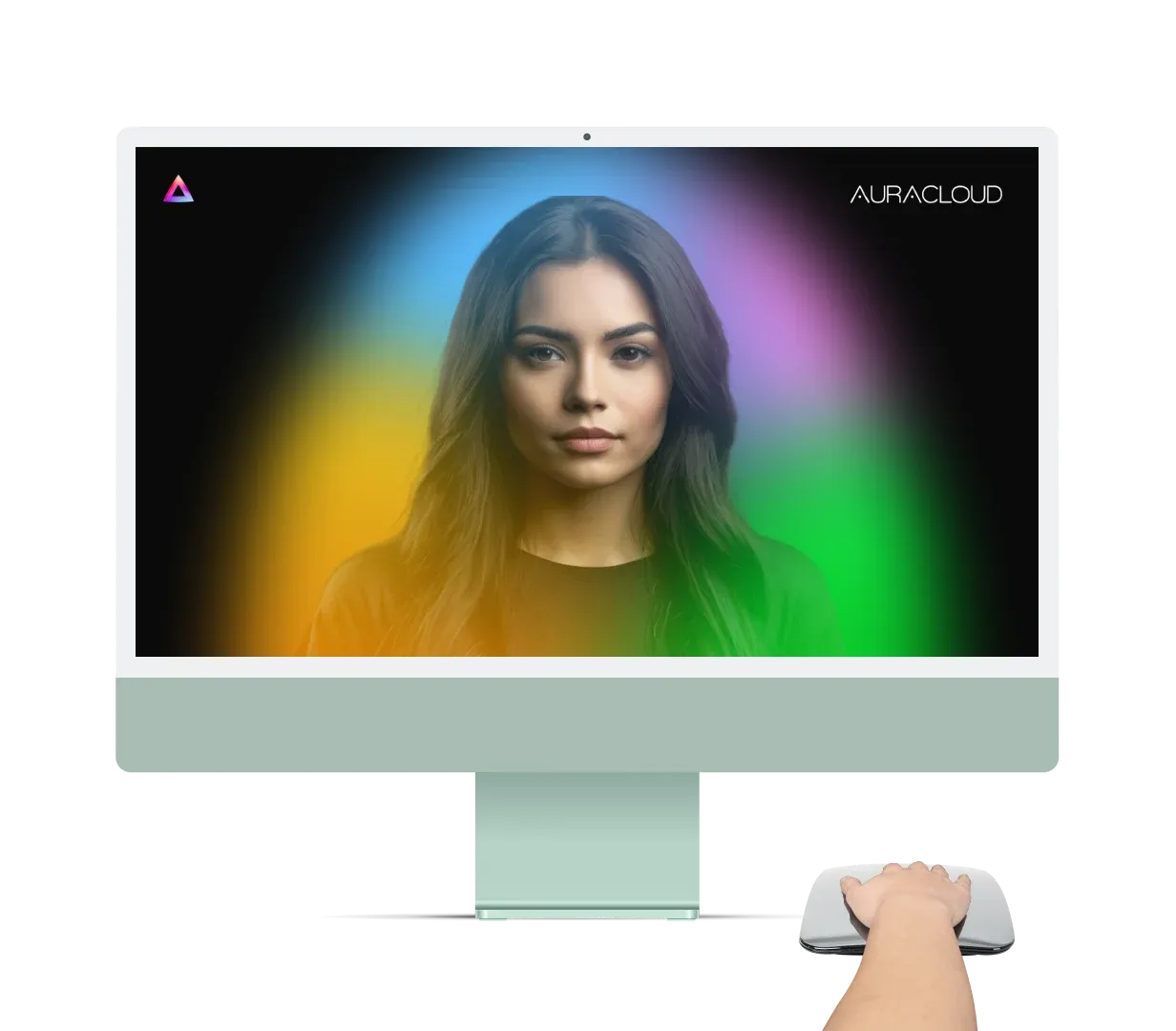
Computer not included.
Plan the Details of Your Session
Work through these planning prompts before welcoming your first guest, then adjust the pace after a practice session.

A Clear Introduction
Prepare a short explanation of the session and its limits.

A Shared View
Position the display so you and the guest can discuss it comfortably.

Room for Questions
Leave time for the guest's interpretation rather than assigning a result to them.

Consistent Instructions
Use the operating procedure supplied with the actual equipment.

A Measured Pace
Allow time for setup, conversation and the next guest.

An Agreed Finish
Explain any available take-home output before the session and confirm what your setup supports.
Shape the Session Around Your Setting
A studio appointment and an event booth have different needs. Plan the workflow first, then compare equipment requirements.
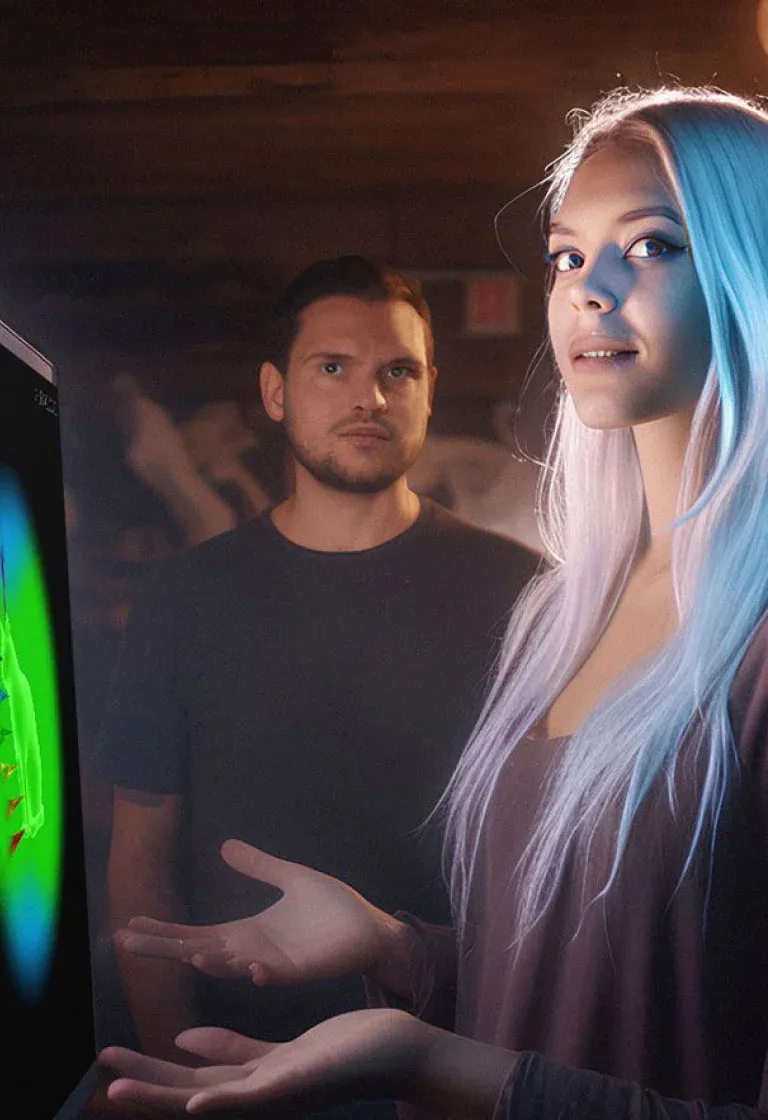
Retail Sessions
Set aside a visible but comfortable place for the screen and guest. Explain session length and participation before a visitor joins.
Computer not included.
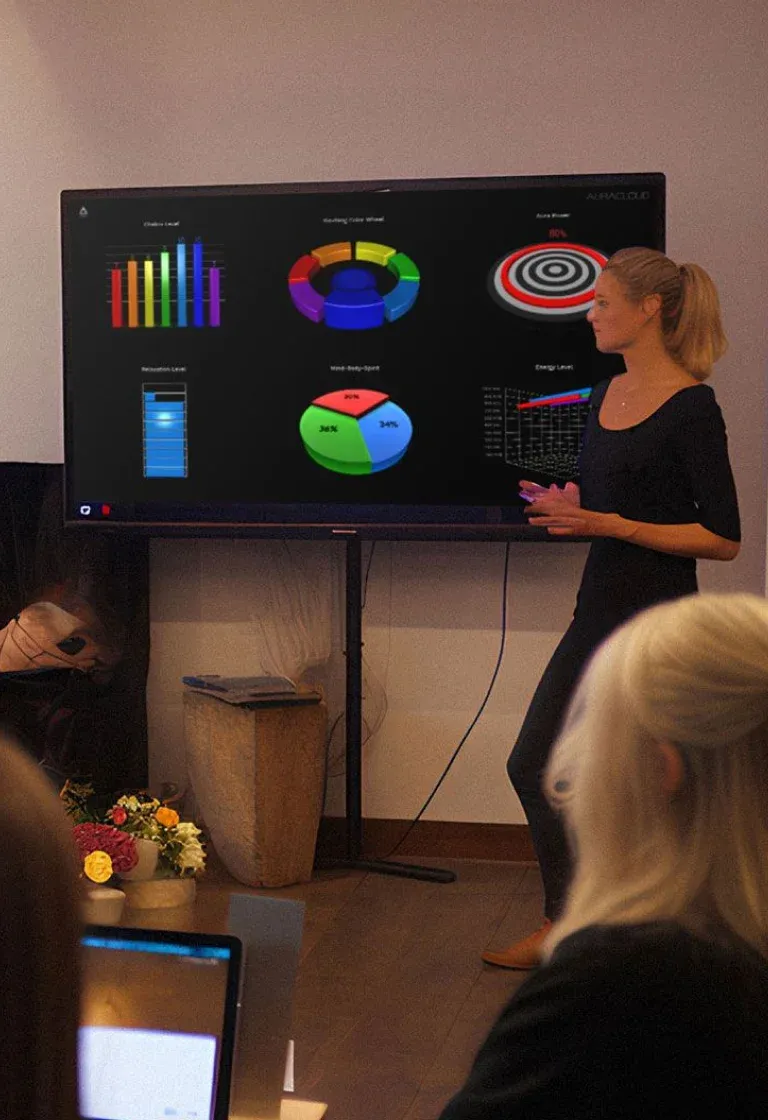
Practitioner Studios
Build in time to explain the display and listen to the guest. Keep visual reflection separate from any other professional service you provide.
Computer not included.
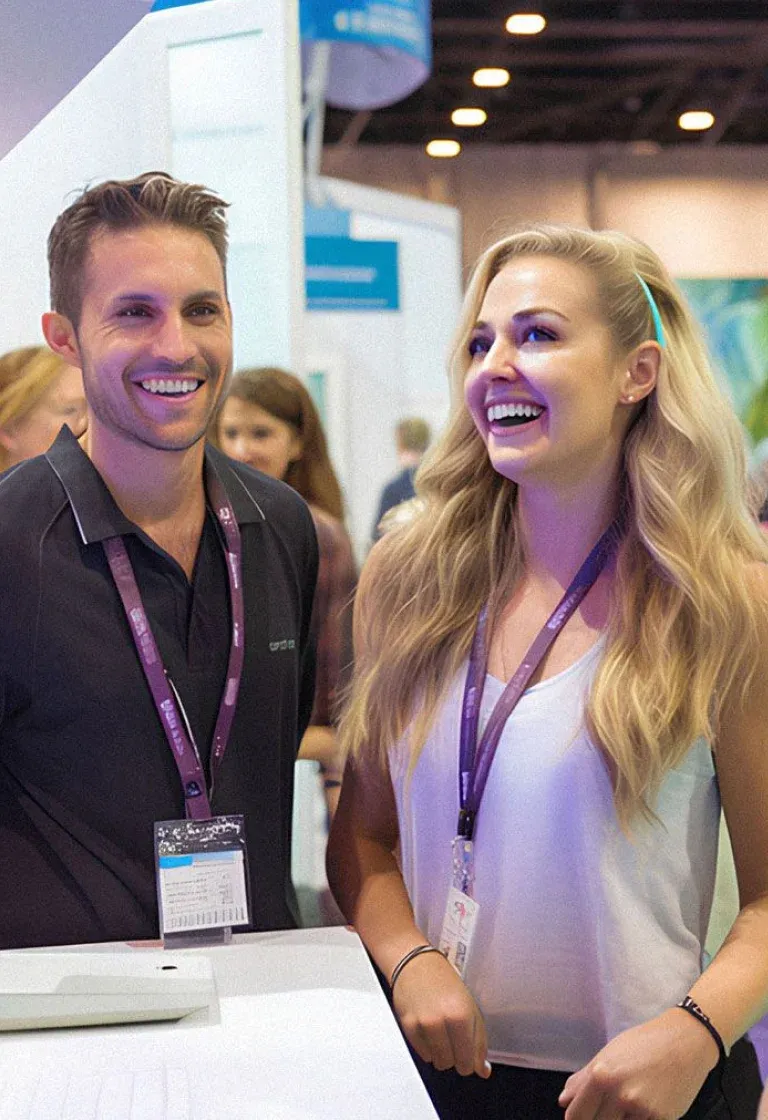
Events and Fairs
Plan queues, seating, power and transitions between guests. Estimate session capacity through your own trial sessions.
Explore Aura Equipment for Visual Sessions
Ask about available AuraCloud® 3D configurations. Confirm the equipment, software and outputs included in a current quotation.
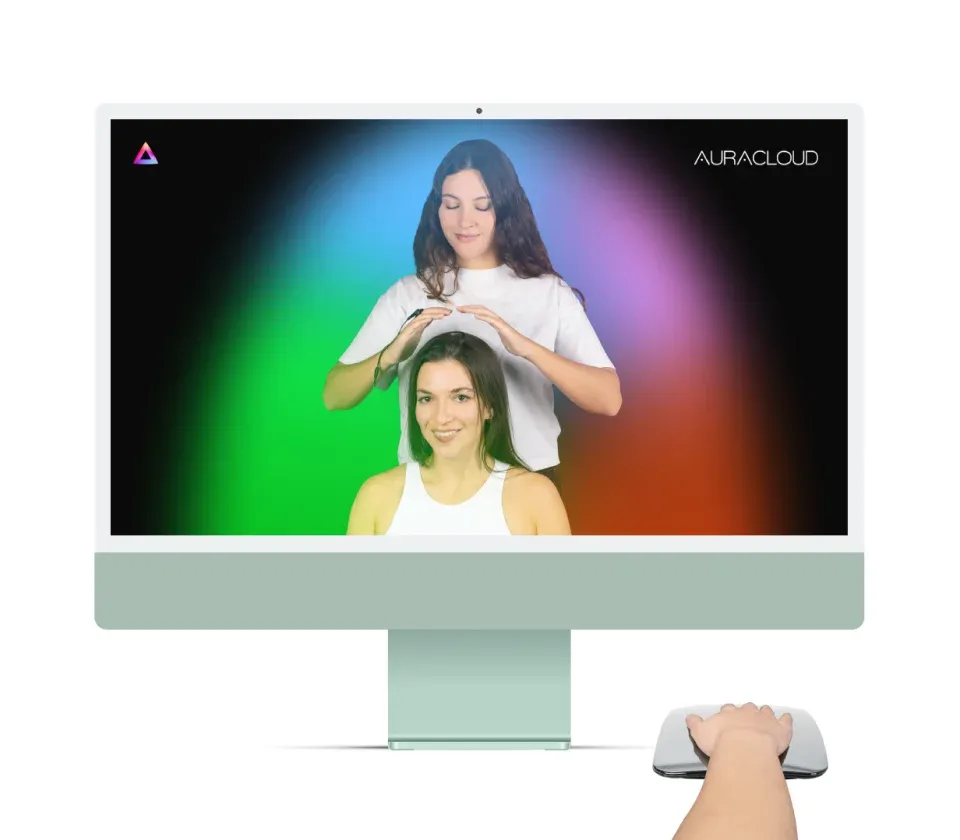
Computer not included.
AuraCloud® 3D Pro
Considering AuraCloud® 3D Pro for practitioner sessions? Describe your workflow and ask which features and hardware are included in the currently offered configuration.
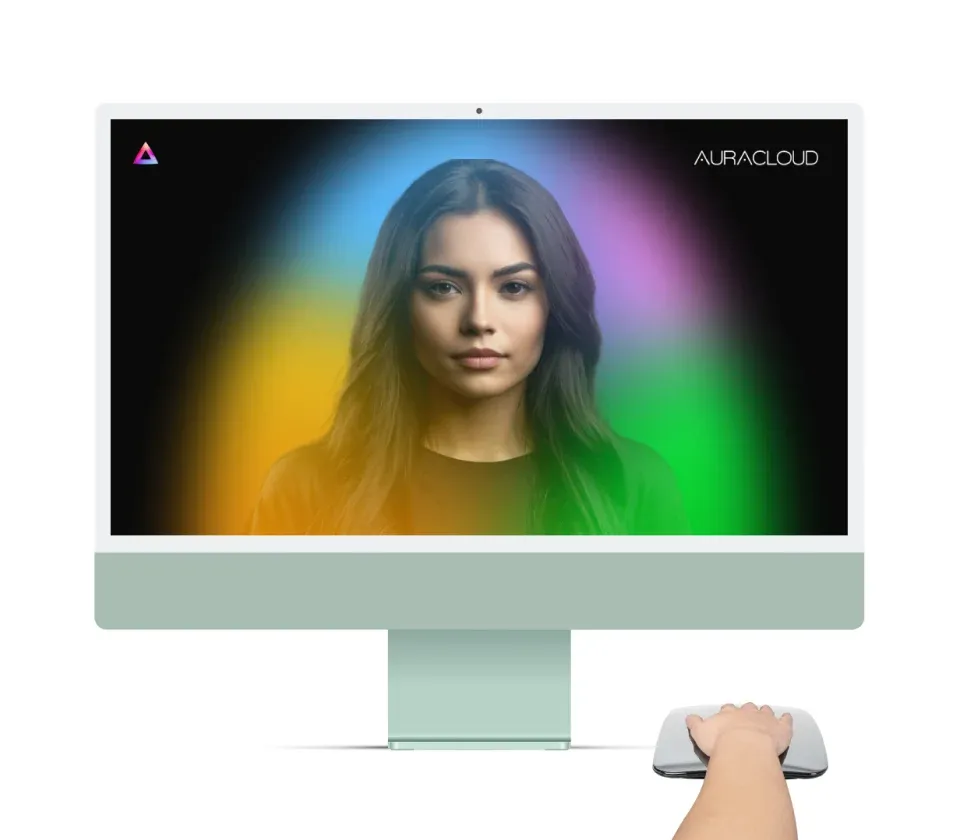
Computer not included.
AuraCloud® 3D Basic
Considering AuraCloud® 3D Basic? Review its current requirements and available outputs against the sessions you intend to offer.
Preparing a Session Space?
Describe the venue, expected session format and country in your equipment inquiry. Availability and local service arrangements need individual confirmation.
Discuss Session Options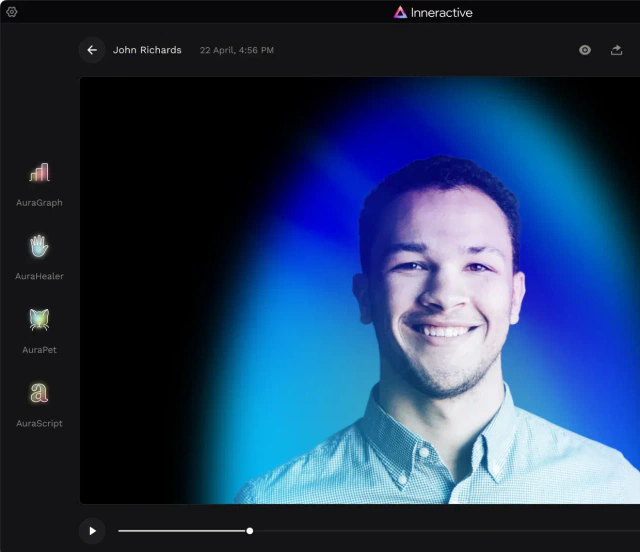
Questions Before You Choose a System
Have a Setup Question?
Include the product or version, your setting and the question you want to resolve.
AuraVisions presents visual-session workflows for practitioners, studios and event operators. We introduce Inneractive AuraCloud® 3D through practical questions about preparation, the guest experience and equipment fit.
Start with the sessions you plan to run. Compare the available configurations, operating requirements and included outputs, then ask which suits your space and working style.
Invite the guest to describe what they notice. You can explore color meanings through aura traditions while leaving room for their own associations and questions.
Identify your product and version and describe the support question. Keep an owner-support request separate from a new-equipment inquiry.
Include your country, preferred language and intended setup. Ask for shipping and support arrangements for your location as part of the equipment discussion.



Discuss Your Session Setup
Tell us whether you are planning new sessions or asking about equipment you already own. Include your country and product questions.